
TALON Help Center
Dependents
Ensure Dependents are accurately reflected.
TALON CSM Role
Orient Primary implementation contact on how to navigate to and impersonate Dependents; including searching for dependents based on Dependent ID.
Client Role
Confirm accurate Dependent representation in TALON.
Process
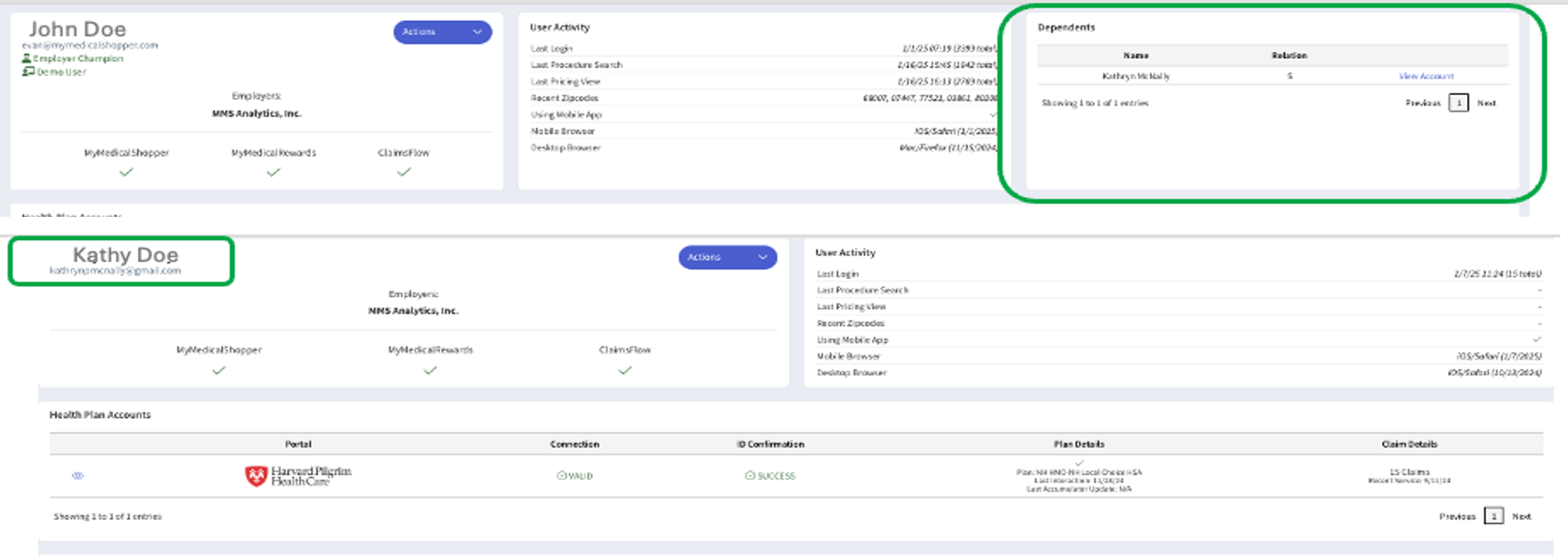
In the Claims Adjudication platform, identify 5+ dependents. Navigate to those Dependents in TALON and confirm accurate demographics. Impersonate at least several. A list of the Employee's dependents will be on the top right of the Member Details page.
Member ID Format
- Employees have a trailing '00' indicating they're the Primary on the Plan.
- Dependents have an incrementing double digit suffix on the Employee root ID.
- Example — Employee Member ID: 570040010100, Dependent Member ID: 570040010101
- Strip the suffix from the Dependent's Member ID and search Members on the root ID.